Monday, March 9, 2026 5 min read Artificial intelligence
SharePoint Sites to Inspire Your Next Intranet Design
Enhance your SharePoint Intranet with these trending 2026 designs that would make your digital workspace more engaging and user-friendly.
Modern organisations need intranets that are more than just a document repository. A well-designed intranet improves internal communication, employee engagement, and collaboration, while acting as the digital hub for your digital workspace platform.
SharePoint is one of the most popular platforms for building modern intranets, offering flexible templates, integration with Microsoft 365, and scalable design options. In this article, we explore SharePoint intranet templates, trending designs for 2026, and how organisations can use them to create efficient, engaging intranets.
What Is SharePoint?
SharePoint is a Microsoft platform that enables organisations to create secure, centralised websites and portals for collaboration, content management, and communication.
Key features include:
- Document libraries with version control
- Team collaboration sites
- Integration with Microsoft Teams, Outlook, and OneDrive
- Search across the organisation’s digital workspace
These features make SharePoint a natural choice for building an intranet that supports remote and hybrid teams, structured communication, and knowledge sharing.
How Can SharePoint Be an Intranet?
A SharePoint intranet is a central hub where employees can access:
- Company news and updates
- Policies and procedures
- Departmental resources
- Collaboration tools and workflows
Unlike generic intranets, SharePoint allows for custom branding, templated layouts, and interactive web parts. This flexibility lets IT and business decision makers craft an intranet that reflects their organisation’s culture and operational needs.
Read more on how to use SharePoint as an Intranet.
Does Microsoft Provide Templates for SharePoint Intranets?
Microsoft provides a variety of SharePoint intranet templates to streamline design and deployment. Templates provide pre-built layouts, web parts, and features for specific purposes, helping organisations implement an intranet faster and more efficiently.
SharePoint Intranet Templates and Their Uses
Here are some of the most common and effective templates:
- Brand Central: Central hub for brand guidelines, logos, and marketing resources. This ensures brand consistency across departments and projects when staff uses any of our assets. This also reduces confusion and maintains corporate identity.
- Crisis Management: Quick communication and resources during critical incidents. This keeps employees informed, reduces response time, and supports business continuity.
- Department Sites: Customised team hubs for departmental collaboration. Improves departmental collaboration, organizes team resources, and reduces email dependency.
- Event Sites: Plan, manage, and share event information. Improves departmental collaboration, organizes team resources, and reduces email dependency. Streamlines event planning and ensures employees stay informed and engaged.
- Human Resources: Access HR policies, benefits, and onboarding resources.
- Leadership Connection: Share leadership updates, CEO messages, and strategic plans. Reduces repetitive queries, improves onboarding, and increases employee self-service.
- Learning Central: Central hub for training, e-learning modules, and certifications. Promotes transparency, alignment, and employee engagement. Facilitates continuous learning and skill development, supporting digital transformation.
- New Employee Onboarding: Streamlined onboarding with checklists and key resources. Accelerates productivity, improves retention, and reduces onboarding confusion.
- Organisational Home: Company-wide news, announcements, and resources. This creates a unified hub for all employees, reinforcing corporate culture.
- Showcase Sites: Highlight products, services, or organisational achievements. This boosts morale, celebrates success, and informs stakeholders
- Standard Communication: General company news and policy updates. Keeps employees informed consistently without overwhelming inboxes
- Volunteer Centre: Coordinate volunteer initiatives and community programs. Encourages engagement and strengthens community involvement.
- Event Planning: Organise internal events, workshops, and meetings. This improves participation and reduces planning overhead
- IT Help Desk: Submit tickets, access IT support resources, and updates. Reduces support response time and improves employee satisfaction.
- Project Management: Track projects, tasks, and team collaboration. Enhances collaboration and keeps projects on track.
- Retail Management Team: Tailored tools for retail operations and communication. Keeps distributed retail teams aligned and informed
- Training Course Sites: Deliver online learning modules for specific teams. Streamlines learning management within the intranet.
- Training Design Team: Collaborate on course design and instructional resources. Improves coordination and quality of training programs.
Each template provides a starting point for creating an intranet tailored to your organisation’s needs, reducing setup time while improving usability and engagement.
Trending Designs 2026 You Can Use for Your SharePoint Intranet
Looking ahead to 2026, intranet design trends focus on:
Mobile-first layouts
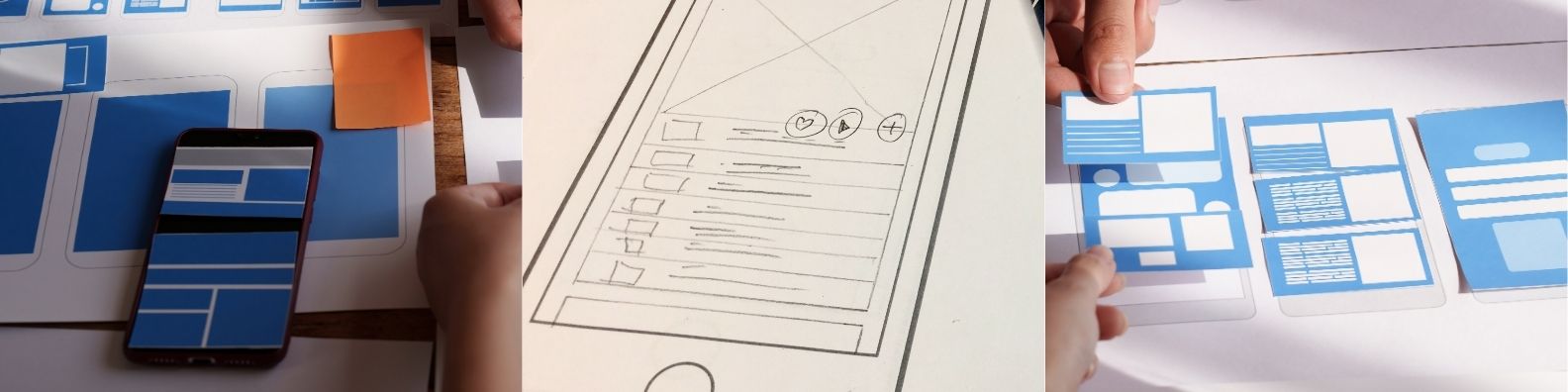
With remote and hybrid work becoming the norm, mobile-first intranet design ensures employees can access news, documents, and collaboration tools seamlessly from any device. Responsive pages, touch-friendly buttons, and collapsible menus make information accessible on phones and tablets as easily as on desktops. This approach increases adoption and ensures employees stay connected no matter where they are working.
(Hyper-)Personalisation
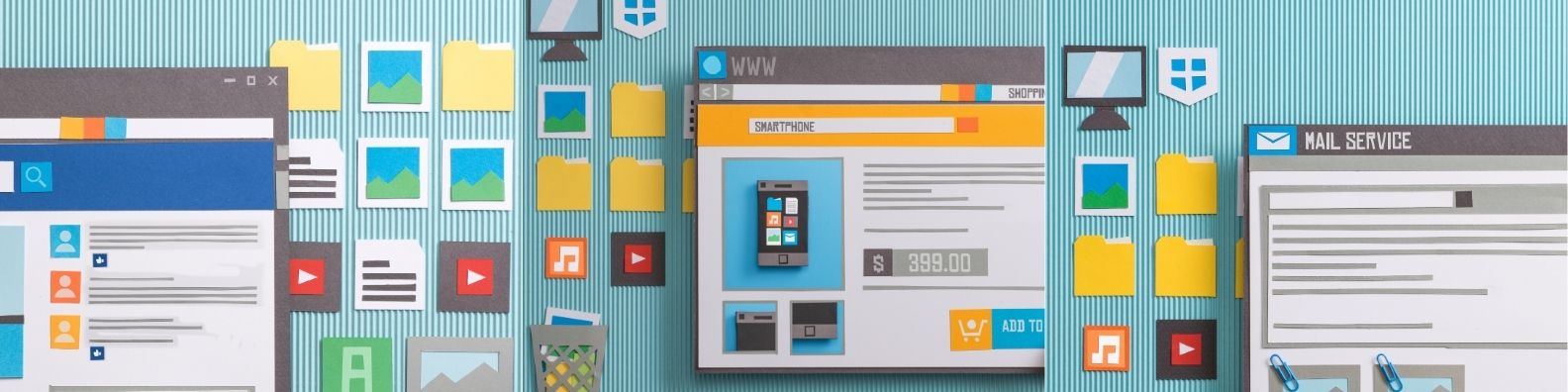
Modern intranets are moving away from a one-size-fits-all approach. Hyper-personalisation tailors content based on an employee’s role, department, or location. For example, HR updates may appear only to relevant staff, while project dashboards are visible to the teams working on them. This reduces information overload, increases engagement, and makes employees’ digital workspace experiences more relevant and efficient.
Interactive Dashboards and Data Visualisation
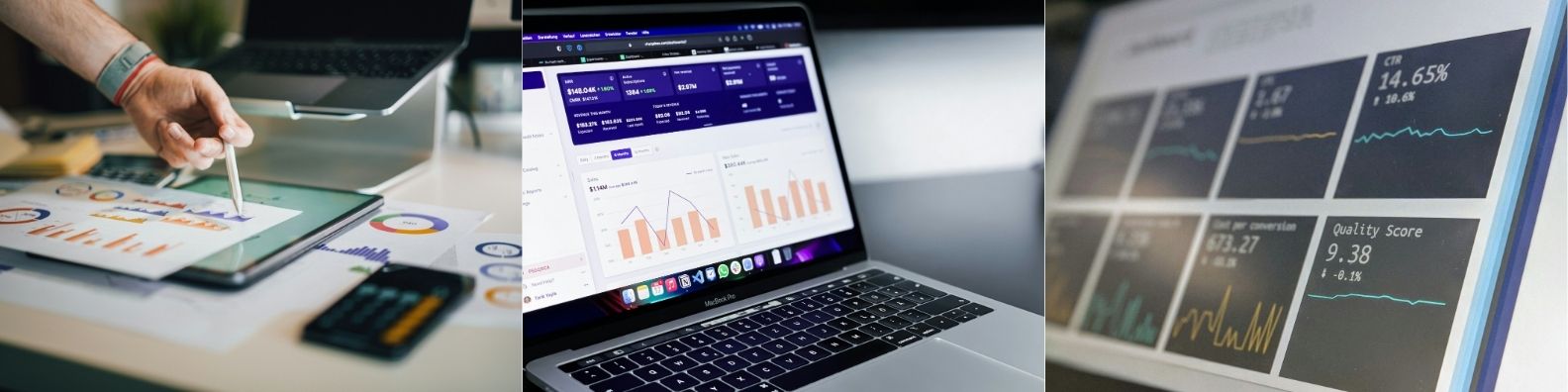
Interactive dashboards transform intranet homepages into dynamic information hubs. Employees can view KPIs, analytics, project updates, and operational metrics in real time, often through integrations with tools like Power BI. Visual data helps teams make faster decisions, understand priorities immediately, and track progress without leaving the intranet.
Minimalist, clean design
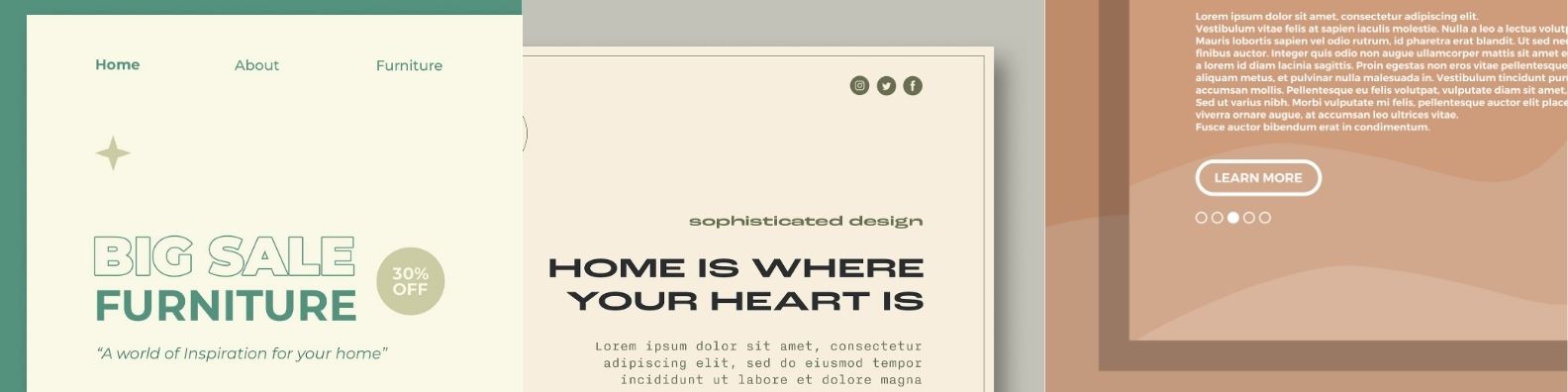
Modern intranets favour minimalist layouts with clear navigation, generous white space, and intuitive page structures. Simplified designs reduce cognitive load, improve usability, and allow employees to find critical content quickly. Modular, card-based layouts are increasingly used to organize content in visually distinct, easy-to-scan sections.
Glassmorphism and Layered Depth

Adding depth through semi-transparent layers, blur effects, and shadows gives intranet pages a modern, polished look. Glassmorphism makes content stand out while maintaining a clean interface, creating a sense of dimension without clutter. This trend enhances the professional appearance of dashboards, landing pages, and hub sites.
Bold Typography and Strategic Color
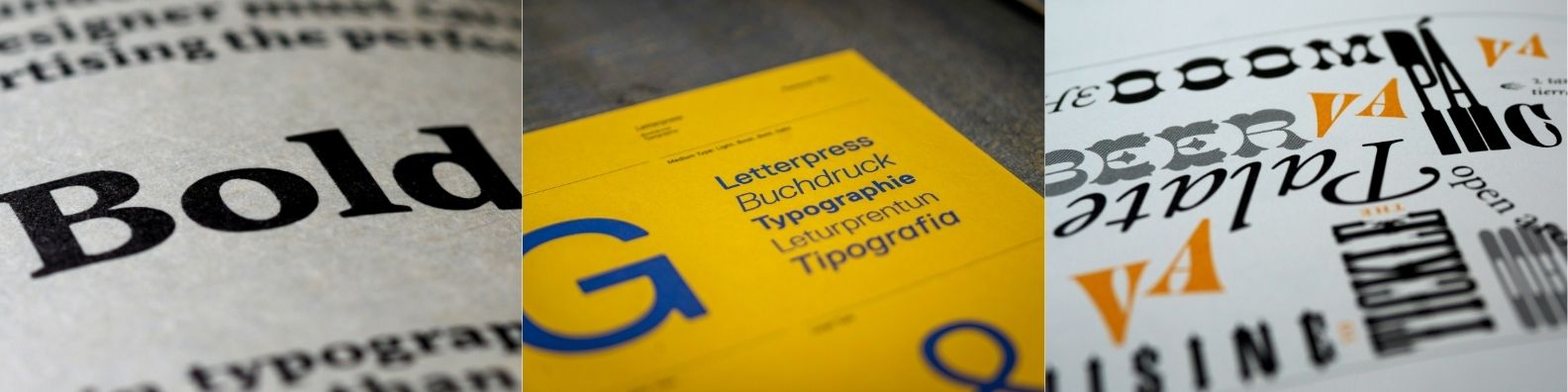
Typography and colour are now key visual tools, not just decorative elements. Bold, expressive fonts and accent colours highlight important messages, calls to action, and priority updates. When used thoughtfully, these design choices guide attention, reinforce hierarchy, and make intranet pages both engaging and readable.
Motion and Micro-Animations
Subtle motion elements, including hover effects, animated headings, and scroll-responsive visuals, improve interactivity and guide the user’s attention. Motion also provides feedback during interactions, making navigation feel smoother and helping employees quickly identify clickable elements or updates.
Warm, Human-Centred Visuals
Intranets are adopting soft gradients, rounded UI elements, and conversational microcopy to create a more welcoming experience. This human-centred approach fosters engagement, builds trust, and makes the digital workspace feel approachable rather than purely transactional. It also reinforces the organisation’s culture visually, helping employees feel connected to the company.
Final Thoughts
A SharePoint intranet is no longer just a storage tool — it’s the backbone of a modern digital workspace platform. By leveraging templates, interactive designs, and trending features, organisations can improve internal communication, collaboration, and employee engagement.
For companies in Darwin or across Australia, working with an IT services provider, such as MYtech Consulting Services, can ensure your SharePoint intranet is strategically implemented, secure, and tailored to your business needs.
By combining SharePoint’s flexibility with smart design, your intranet can become an essential hub for productivity and organisational alignment.
Frequently Asked Questions
Are Microsoft’s SharePoint templates enough to build a modern intranet?
Microsoft’s templates provide a strong foundation, but most organisations need deeper branding, advanced layouts, and personalised content delivery. MYtech helps enhance these templates or integrate solutions like Powell Intranet for richer user experience and design flexibility.
How do I choose the right SharePoint template for my organisation?
The right template depends on your goals—HR onboarding, communication hubs, departmental sites, or training portals. MYtech guides businesses through requirements mapping to ensure each template matches your structure, workflows, and long-term digital workspace objectives.
What design trends should we follow for a future-ready intranet?
Modern intranets prioritise mobile-first design, personalization, clear navigation, interactive dashboards, and clean, minimalist layouts. These trends improve usability and engagement, making your intranet a central digital workspace rather than a document repository.
Related Article: How Powell Intranet Enhances SharePoint While Being Scalable for Non-IT Staffs
Sources:
https://www.sope.com.au/blog/hr-sharepoint-sites-design-examples
https://adoption.microsoft.com/en-us/sharepoint-look-book/
https://www.microsoft.com/en-au/microsoft-365/sharepoint
https://learn.microsoft.com/en-us/sharepoint/introduction
https://www.gartner.com/en/information-technology/glossary/intranet