Monday, May 4, 2026 6 min read Industry Insights
Beyond Migration and Compliance: How to Build a Well-Governed Digital Workplace for Businesses
Learn more about building a well-governed digital workplace for businesses, and how it's more than about migration and compliance.
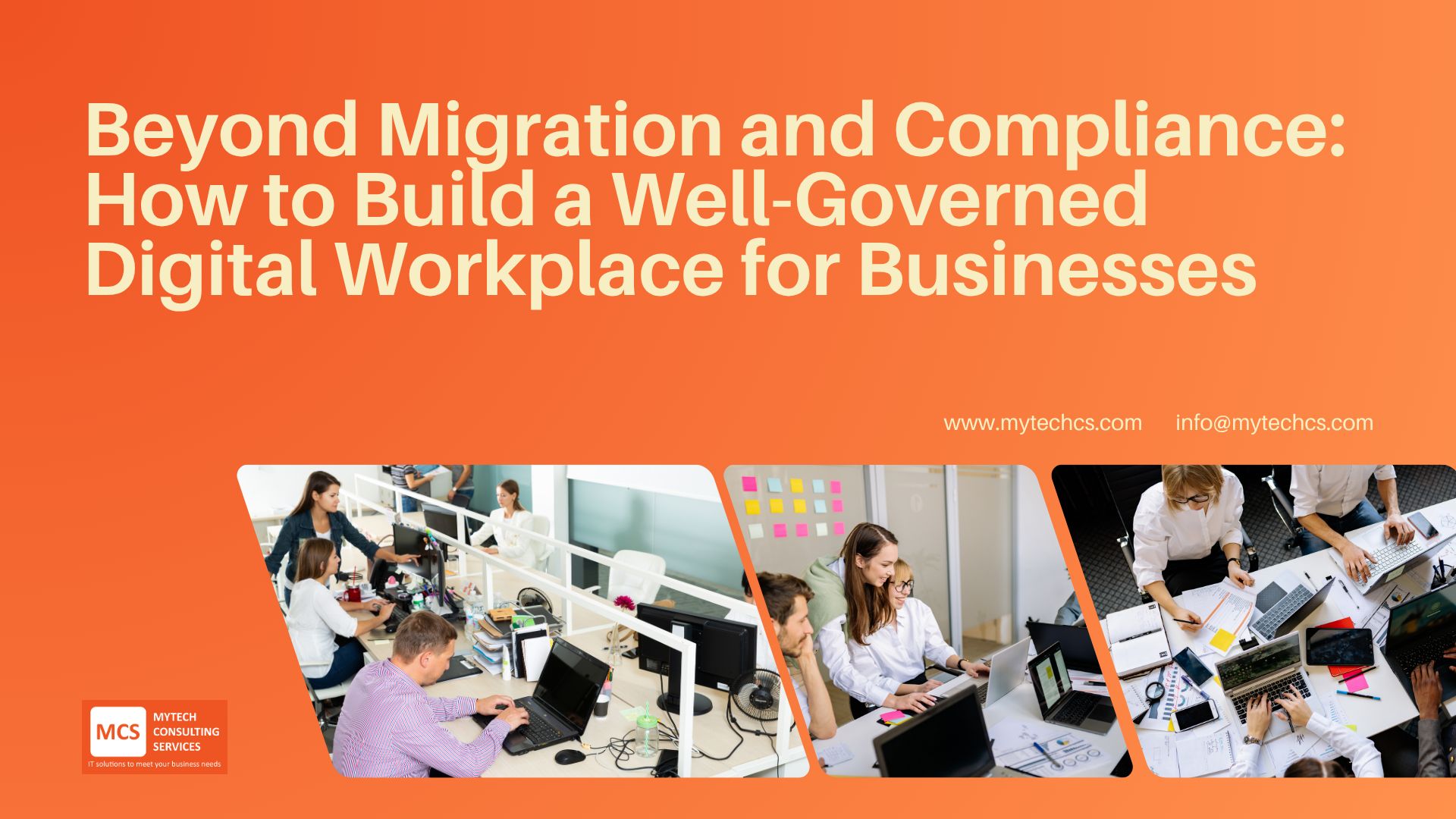
The digital workplace is the future of work.
Before, a workplace has always been associated with a physical office with staff working in their cubicles or workstations. Everything was done face to face, employees having to go through the long processes just to get a certain document needed for their current project. But as technology evolved, the workspace has changed too. Workers not just interact with each other, but also with applications and systems.
As of now, every company has their internet, communications, and collaboration systems which focuses on prime productivity applications and universal systems. And just like any other tech, a digital workplace continuous evolves with scalable capabilities and new work norms.
It's More than Just Migration, it's Creating a Structured Ecosystem for Your Employees
Digital workplace isn’t just about setting up a new system or migrating SharePoint---whether from an older on-premises version or another platform is just the first step. It’s about creating an ecosystem that supports employees, streamlines workflows, and ensures that all operations are running smoothly.
It is a common mistake made by businesses to focus only on compliance and migration, the real key to success lies in how you manage, govern, and empower your team with the right tools.
Check out our digital workplace services for small businesses.
Learn more about how digital workspaces improve internal communications.
How Do You Build an Effective Digital Workplace?
Start with a Clear Governance Strategy
Governance is more than just following regulations and ensuring security—it's about structuring data and information so they are accessible to your staff while maintaining security.
A well-governed digital workplace requires defined rules for managing documents, data, and communication. This includes implementing retention policies, sensitivity labels, and access controls to ensure compliance and security while maintaining efficiency.
Key questions to consider:
- What information should be easily accessible?
- What data needs to be restricted?
- Who should have access to specific documents and libraries?
- How Meta Data is managed.
- How will updates and changes be tracked?
By answering these questions, you set the foundation of your digital workplace and establish a more manageable and secure ecosystem.
Think Beyond Migration and See the Bigger Picture that is Data
Once governance policies are in place, the next step is structuring data effectively.
Migrating to a modern platform is beneficial, but the real value emerges when information is organized, easily accessible, and properly categorized.
If your employees can find what they need on their own and quickly, then they can get the job done quickly.
Providing Employees with the Right Tools and Platforms
Adapting to a digital workplace is also about providing your employees with the tools they need to work smarter. Make sure to connect with everyone to know the pain point they are experiencing when working. Ask about:
- What are the bottlenecks you’re experiencing in the process?
- How do you think we can improve to speed up the process?
- How can we help you focus more on your projects?
By knowing the daily work of your staff and the obstacles they face, you can identify what kind of tools you need to integrate in your digital workplace.
Centralized Platforms Simplify Management
Every department has its own productivity tool and system, and managing a digital workplace can become quite overwhelming.
That’s why it’s important to simplify management by using a centralized platform that integrates all the different department tools and content.
Ensure Security and Compliance Without Compromise
Now that we have the foundation of your digital workplace, the data is structured, dashboards are set, the design is user-friendly and accommodates each department's needs, now comes security.
Security is one of the biggest concerns for businesses when going digital, but security doesn’t have to be complex nor be an obstacle in productivity. Going back to the early-stage questions when you were building your digital workplace, “What should be restricted?” and “Who should have access to what document?” You can identify and set who are authorized to access specific documents, data, and dashboards.
How Powell Simplifies Digital Workplace Governance and Enhances Collaboration
Consider a company with thousands of Microsoft users, each working in different Teams channels and managing multiple projects on SharePoint. How can they efficiently organize, track, and manage everything?
A straightforward solution is Powell Intranet & Powell Governance. With the help of Microsoft and Powell Software partners, companies can overcome key challenges in managing a digital workplace. Powell enhances SharePoint and Teams by adding powerful features that improve governance, usability, and collaboration.
Read more on how Powell can help enhance and apply branding to your SharePoint Intranet.
As a partner, we develop custom themes, templates, approval workflows, file versioning, automation, and other features tailored to the organization's needs.
Powell is built on top of SharePoint and Microsoft Teams, leveraging their existing functionalities while adding extra value. It helps businesses manage their digital workplace more efficiently by offering:
- Seamless integration with Microsoft 365: Powell connects with SharePoint, Teams, and other Microsoft tools to create a unified and user-friendly collaboration space.
- Automated governance and policy enforcement: Ensures security and compliance by automatically applying company policies, reducing manual work.
- Pre-built templates for SharePoint and Teams: Organizations can quickly set up well-structured, easy-to-use digital environments for managing documents and communication without requiring IT support.
- Customization and scalability: Businesses can adapt Powell to fit their unique needs, whether for a small team or an entire enterprise, a Powell partner can understand their needs and customize it.
- Enhanced employee engagement: features like interactive dashboards, intuitive navigation, social tools, gamification, and content sharing encourage teamwork and knowledge sharing.
For non-technical users, Powell makes SharePoint and Teams easier to use with ready-made templates, better navigation, and automation.
For IT teams and developers, it offers strong governance, customization options, and seamless integration with Microsoft 365, ensuring security and efficiency.
By choosing Powell Partner, organizations can build a future-proof digital workplace that is secure, well-organized, easy to implement, and engaging for employees.
Conclusion
Building a well-governed digital workplace is a complex undertaking. But if you establish the foundation of answering why you’re adapting to a digital workplace for business, the process isn’t as intimidating as it should be. This process can be easily done with Powell Partners’ and Powell Software’s Intranet & Governance features that can turn your digital workplace into a cohesive ecosystem for everyone to benefit from. And helping you along the way are Powell Software's certified experts and solution partners, who can help you to optimize your digital workplace and drive long-term success.
Frequently Asked Questions (FAQ)
What is a digital workplace?
A digital workplace is the set of tools, platforms, and processes employees use to communicate, collaborate, and access information to get work done—often across apps like Microsoft 365, SharePoint, and Teams.
Is building a digital workplace the same as migrating to SharePoint or Microsoft 365?
No. Migration is only the first step. A successful digital workplace also requires governance, structure, and ongoing management so information stays organized, secure, and easy to use.
Why is governance important beyond compliance?
Good governance improves everyday productivity. When information is structured and permissions are clear, employees can find what they need faster, reduce duplication, and collaborate with fewer bottlenecks—without sacrificing security.
How does Powell help organizations govern SharePoint and Teams at scale?
It supports Microsoft 365 integration, automated governance and policy enforcement, pre-built templates, and customization options—so collaboration spaces can be created and managed consistently without heavy manual effort.
What are the practical first steps to build a well-governed digital workplace?
Start by defining governance rules (access, retention, labeling), decide how information should be structured (sites, libraries, metadata), gather employee input on bottlenecks, then standardize with templates/automation and review regularly as needs evolve.
Related Article: How to Build a SharePoint Intranet from Scratch: Best Practices